Changelog
Stay up to date with the latest features, improvements, and fixes

Outlook and Outlook Calendar
August 22, 2026- Microsoft 365 is now a first-class integration. Connect Outlook and Outlook Calendar the same way you connect Gmail and Google Calendar.
- Agents and Ally can send as your Outlook mailbox, read inbox context, and keep bookings in sync with Outlook Calendar.
- Workflows get Outlook actions too: send mail, create events, and keep Microsoft 365 in the same automation canvas as the rest of your stack.
- Setup lives under Integrations > Microsoft 365. Authorize once, then assign Outlook to the agents and calendars that need it.

Zoho CRM
August 21, 2026- Connect Zoho CRM so conversations can create, update, and annotate records without a separate CRM login.
- Workflows trigger on Zoho record events and can write name, email, and custom fields back to the right module.
- Use it to log new leads from chat, phone, or forms, then keep notes on the same contact your team already works in Zoho.
- Authorize Zoho from Integrations, then pick triggers and actions in the workflow builder.

Production Voice Upgrade
August 21, 2026- Phone gets a production voice stack: more reliable transfers, clearer hang-up handling, and Call-tab audio settings for sounds and vocabulary.
- Growth now includes 300 voice minutes each month. Scale stays at 300+. Overage is still $0.15/min for standard voices.
- This sits on the July voice work: call recording with retention, designed voices, and a voice-only website widget that shares the same agent as chat.
- If Phone is already live, the upgrade applies automatically. Open the agent's Call tab to tune audio, recording, and greeting behavior.

Shopify
August 19, 2026- Install Link AI from the Shopify App Store. Catalog sync, agent tools, and workflow actions ship with the install.
- Agents can answer product questions from your live Shopify catalog and keep inventory in the same conversation that takes the order.
- Workflows can create or update Shopify work after a chat, form, or phone call, so the store and the agent stay on one catalog.
- Install from Shopify or connect under Integrations > Shopify. Compliance webhooks for customer data requests are included.

List Signup Forms
August 15, 2026- Every contact list can now publish a branded signup form so people add themselves, with email and WhatsApp consent recorded at submit.
- Each form gets a shareable URL on pages.getlinkai.com. Use it on a site, in Reach campaigns, or in a QR code at the counter.
- Consent is stored as a snapshot on the contact, so you can see what they agreed to when they joined.
- Open any list, create a signup form, and share the link. Brand kit colors and footer carry over automatically.

Ally Memory and Suggested Actions
August 13, 2026- Ally now keeps memory documents for preferences, open loops, and owner context, so it does not treat every morning like a first meeting.
- The empty composer shows suggested actions ranked from unanswered threads, tasks, and connected integrations. Three next steps, no extra prompt required.
- Long threads keep a digest when history is trimmed. Shared facts from a turn can be captured into memory instead of disappearing.
- Open Ally on the dashboard. Suggested actions appear when the composer is empty. Memory builds as you work.

Inbox Takeover and Outbound Calling
July 19, 2026- Inbox now has a human takeover bar that pauses the agent across channels so a person can finish the thread without fighting the AI.
- Compose new conversations from Inbox with Ally write assist, then send from the same place you already read replies.
- Outbound calling from the dashboard uses your Link AI number as caller ID. Recordings and transcripts land back in Inbox.
- Take over any live thread from Inbox, or open Phone Numbers / Contacts to place an outbound call. Destination rates show before you dial.

Agent Vision: Product Previews
July 18, 2026- Agents can now generate product-in-space previews in chat and on Meta. The customer describes a room or uploads a photo, and the agent places a catalog product in that scene.
- Turn it on in the agent editor. Choose a catalog mode: none, an allowlist, or every product that has an image. You can also upload up to 20 reference images per agent.
- Each preview uses 3–15 messages. Most standard previews use 4–5. A single preview is never charged more than 15 messages. Confirm the usage cost when you enable it.
- This is separate from Agent Vision image understanding. Use previews when a customer needs to see a product in context. Inbox shows the generated image and any space photo they uploaded.

Pages
July 15, 2026- Pages gives every workspace a public branded chat at pages.getlinkai.com/@yourhandle. Share one URL and visitors talk to your agent with your logo, colors, fonts, and welcome message.
- Create a page from Ally with something like “create a page for my sales agent.” You pick the handle, pick the agent, and publish.
- Pages inherit your brand kit automatically: logo, colors, and fonts. You can still override the welcome copy, avatar, and suggested questions per page.
- Use Pages as a public homepage, a landing-page embed, or a shareable link. Anyone can start a conversation. Signed-in teammates can keep using Ally on the same URL.

Reach Campaign Scheduling
July 8, 2026- Reach campaigns can now be scheduled, cancelled, or rescheduled from Ally and the Reach dashboard before anything sends.
- Audience is re-resolved at fire time, so the list is current when the campaign actually goes out.
- This sits on the June–July Reach work: AI-built emails, engagement events, live campaign status, and the async send queue.
- Draft with Ally, pick a send time, and approve. Nothing leaves until you say so.

Ally Docs
June 20, 2026- Ally Docs is your workspace library for documents, decks, workbooks, emails, and files. Create from a template, paste a prompt, or drop in a file and Ally drafts the rest.
- Documents now render as modern HTML so they look like a real site, not a wall of markdown. Decks stay presentation-ready. Workbooks stay structured for data and planning.
- Design follows your brand kit: logo, colors, fonts, and voice. Export to PDF, Word, or Slides, or send a copy to Google Drive.
- Open Ally Docs from the sidebar, or ask Ally to write, rewrite, or present something for you. Every file stays in the library so you can reopen it later.

Branding
May 21, 2026- Branding is now a first-class settings page. Set your logo, colors, fonts, and brand voice once, and Link AI uses them across the products that customers see.
- Your brand kit drives Pages, Ally Docs, emails, and embed widgets so every public surface matches. Upload extra assets and reference them from documents and pages.
- You can still override colors or copy on a single page or document when a campaign needs its own look.
- Open Settings → Brand to set it up. Ally can also apply branding for you if you describe the look you want.

Slack Channel & Ally Personal
April 19, 2026- Your agents can now live inside Slack. Connect any Link AI to your Slack workspace and your team can interact with it directly from channels or DMs, with no context-switching required.
- Ally Personal is now available on Slack. Ally knows your schedule, preferences, and open tasks. Ask it anything from any channel and it responds with full context about your business.
- Setup takes minutes: go to Integrations > Slack, authorize your workspace, select the agent you want to connect, and it's live instantly.
- Both human agents and Ally benefit from thread-aware conversations, so context is never lost across long Slack threads.
Text-to-Workflow
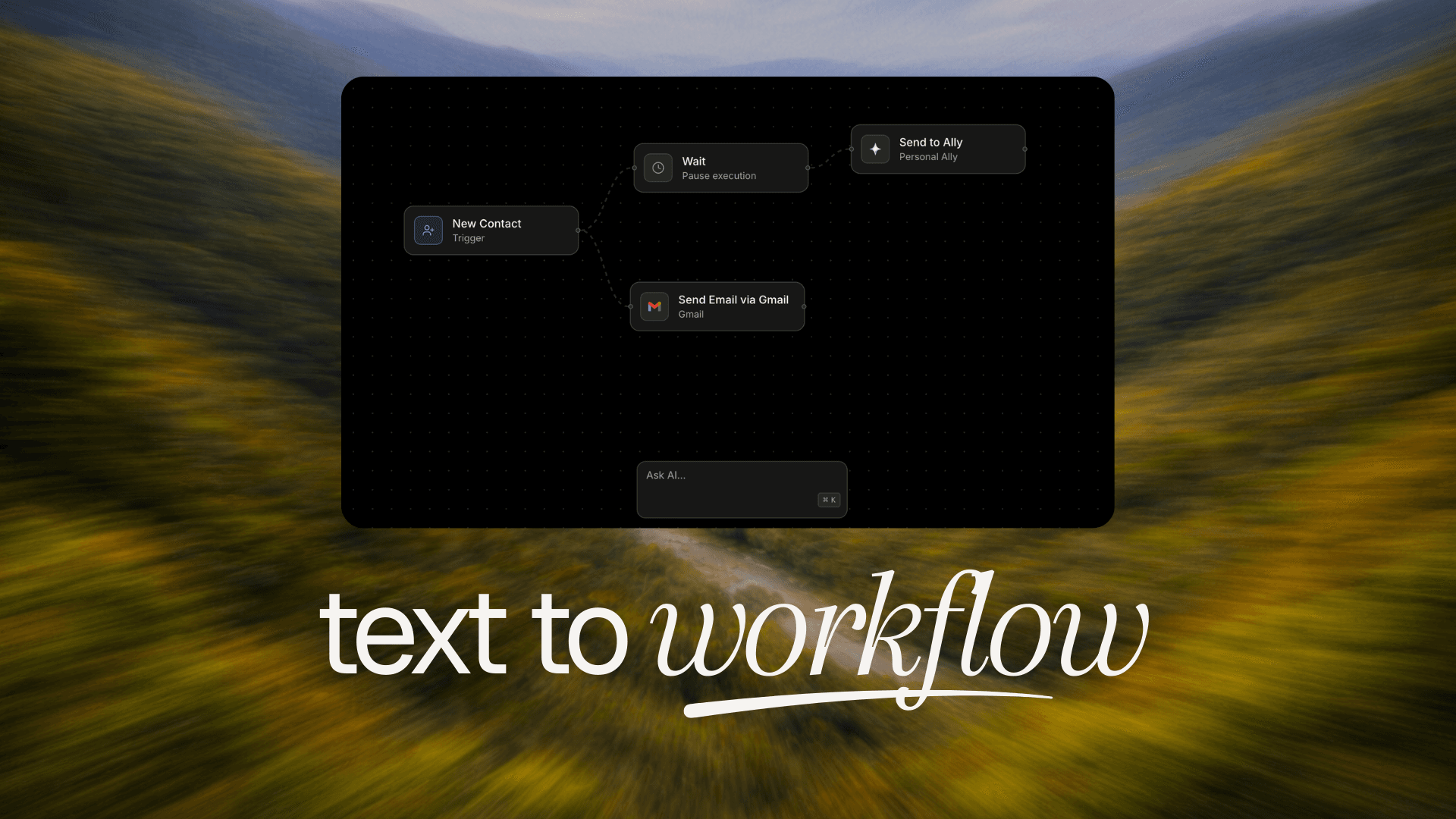
March 18, 2026- Introducing Text-to-Workflow: a visual workflow builder that automates everything that happens after your agents create a result.
- Describe what you want to happen in plain language and Link AI assembles the workflow for you. No manual configuration, no connecting nodes by hand. Just tell it what should happen next.
- Workflows can trigger follow-up emails, update CRM contacts, create support tickets, send internal notifications, and more, all automatically after a conversation ends.
- The visual canvas gives you full visibility into every step of your automation. Edit, reorder, or branch logic with ease, then deploy in one click.
Introducing Ally
February 20, 2026- Meet Ally: your personal business assistant built directly into the Link AI dashboard. Ally knows your entire operation and helps you run it faster, without clicking through menus or digging through dashboards.
- Ally can manage your agents, check your calendar, review form submissions, handle support tickets, search your contacts, monitor usage, and search the web, all through natural conversation.
- Persistent memory sets Ally apart. Tell it something once and it remembers: your preferences, business rules, client notes, and decisions carry forward across every conversation.
- Ally also delivers daily briefings each morning and end of day: upcoming appointments, pending tickets, new submissions, and open items that need your attention. And with WhatsApp support, you can manage your business from anywhere.
Calendar v1.5
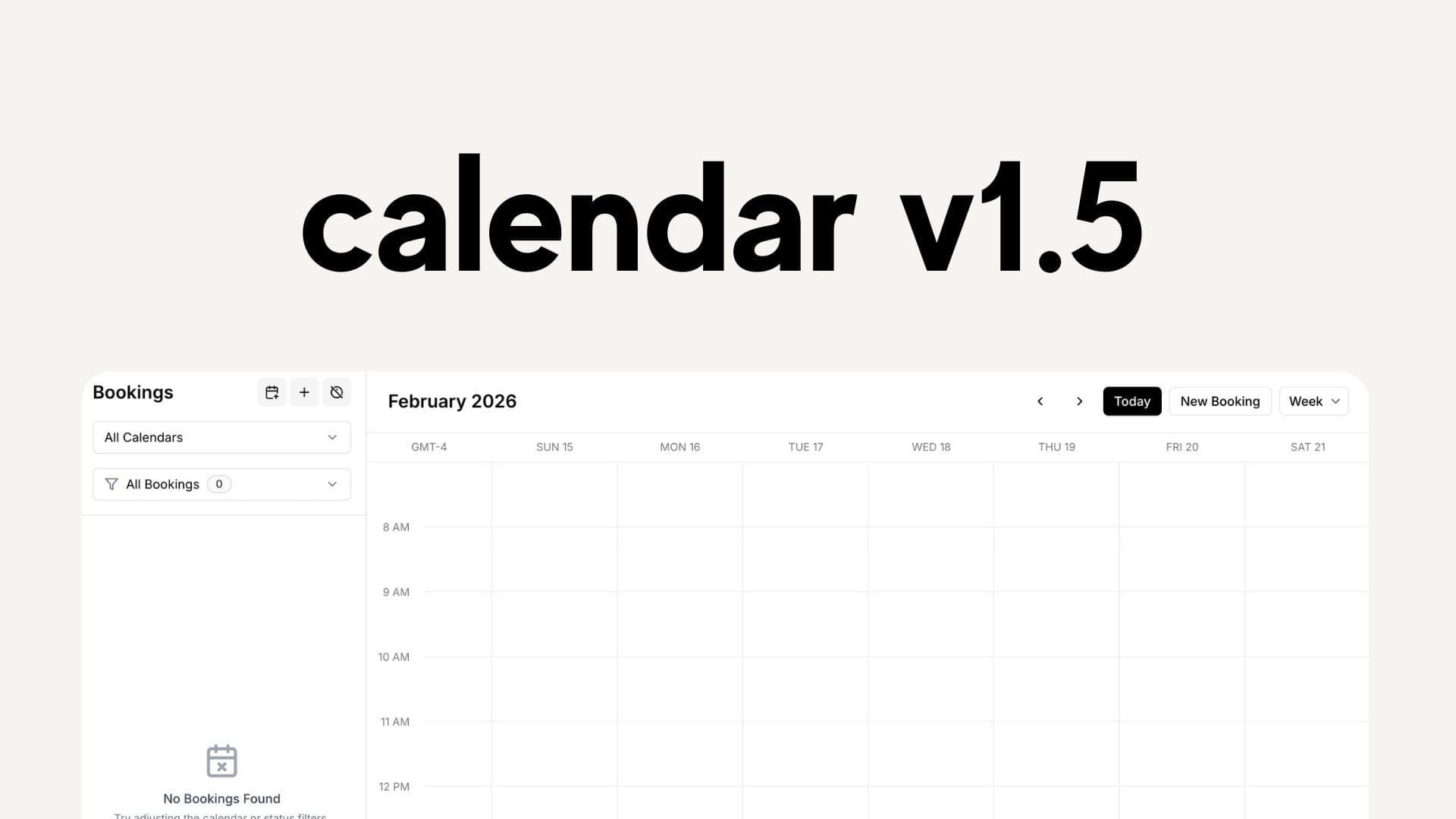
February 20, 2026- Calendar v1.5 is a complete overhaul of the booking experience, introducing services, resources, Google Calendar integration, iCal sync, and a smarter availability engine.
- Services let you define multiple booking types per calendar, each with custom duration, pricing, buffer time, advance notice rules, max capacity, and even auto-generated Google Meet links.
- Resources represent who or what is being booked: team members, rooms, equipment, or vehicles. Choose between Single, Pool, or Team mode to match how your business operates, from solo setups to full team scheduling.
- Google Calendar integration syncs bookings both ways, detects conflicts, and generates Meet links automatically. iCal sync imports availability from Outlook, Apple Calendar, Calendly, and more, blocking off time with no manual effort.
Workspaces
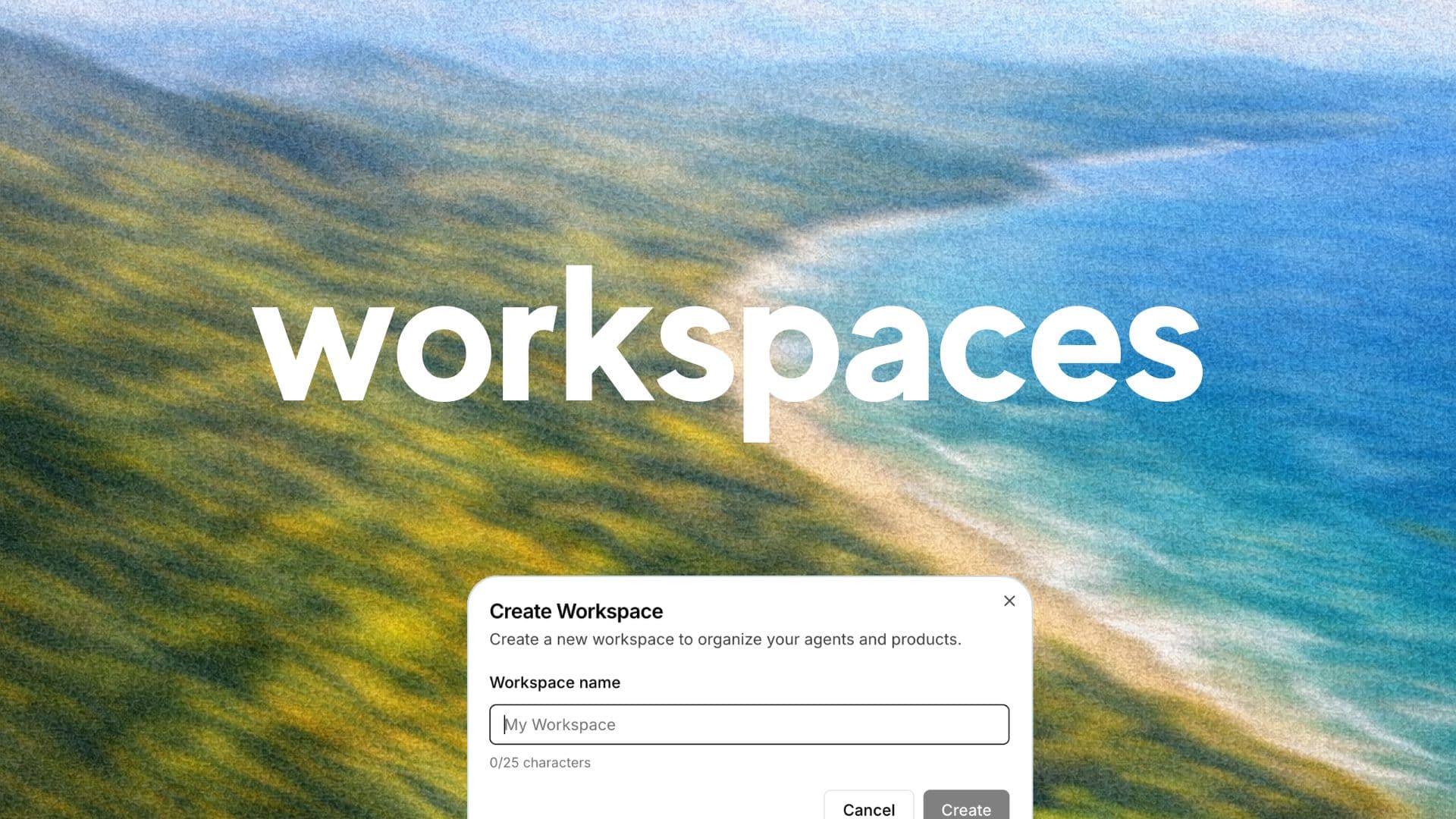
February 20, 2026- Workspaces let you organize your Link AI account into fully isolated environments, each with its own agents, calendars, contacts, forms, billing, and team members.
- Whether you're an agency managing multiple clients, a business with separate departments, or running multiple brands, Workspaces give you clean separation without juggling multiple accounts.
- Each workspace has per-workspace billing, role-based access (Owner, Admin, Member, Viewer), and seamless switching from the sidebar. Your last active workspace is always remembered.
- Every new workspace starts with its own 14-day free trial. Invite teammates by email, assign roles, and switch between clients or projects in seconds.
WhatsApp Business Integration
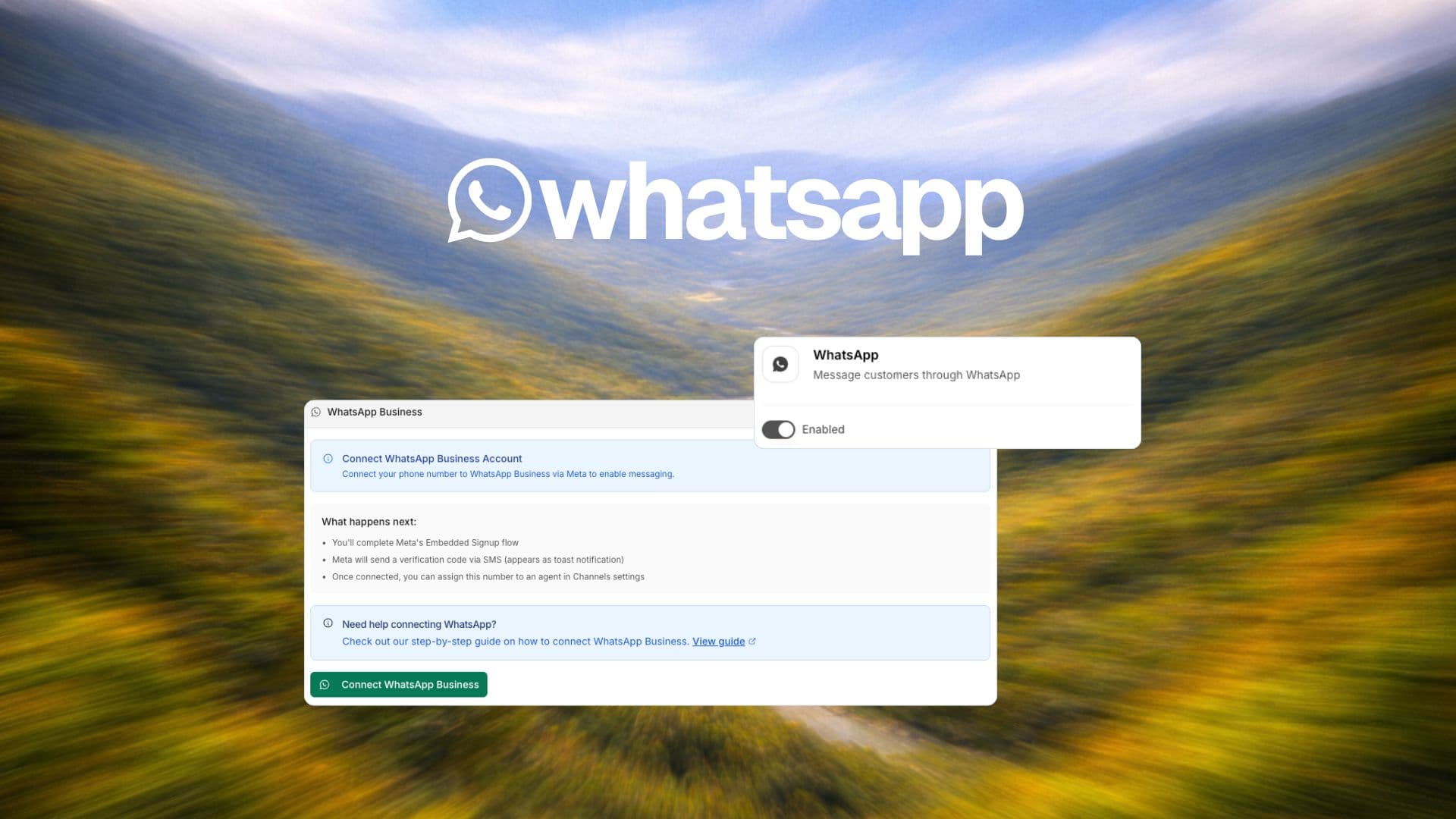
January 31, 2026- Connect your agents to WhatsApp Business and reach customers on the world's most popular messaging platform.
- Available on Growth and Scale plans, the WhatsApp integration allows your agents to handle customer inquiries, send notifications, and manage support directly through WhatsApp.
- Key features include: automated 24/7 messaging, rich media support (images, documents, voice notes), Agent Vision for image processing, and unified conversation management across all channels.
- Setup is streamlined with our step-by-step integration flow. Simply enable WhatsApp in your integrations, assign a phone number to your agent, connect your WhatsApp Business account through Meta, and start engaging with customers instantly.
Selective Web Crawler for Agent Memory
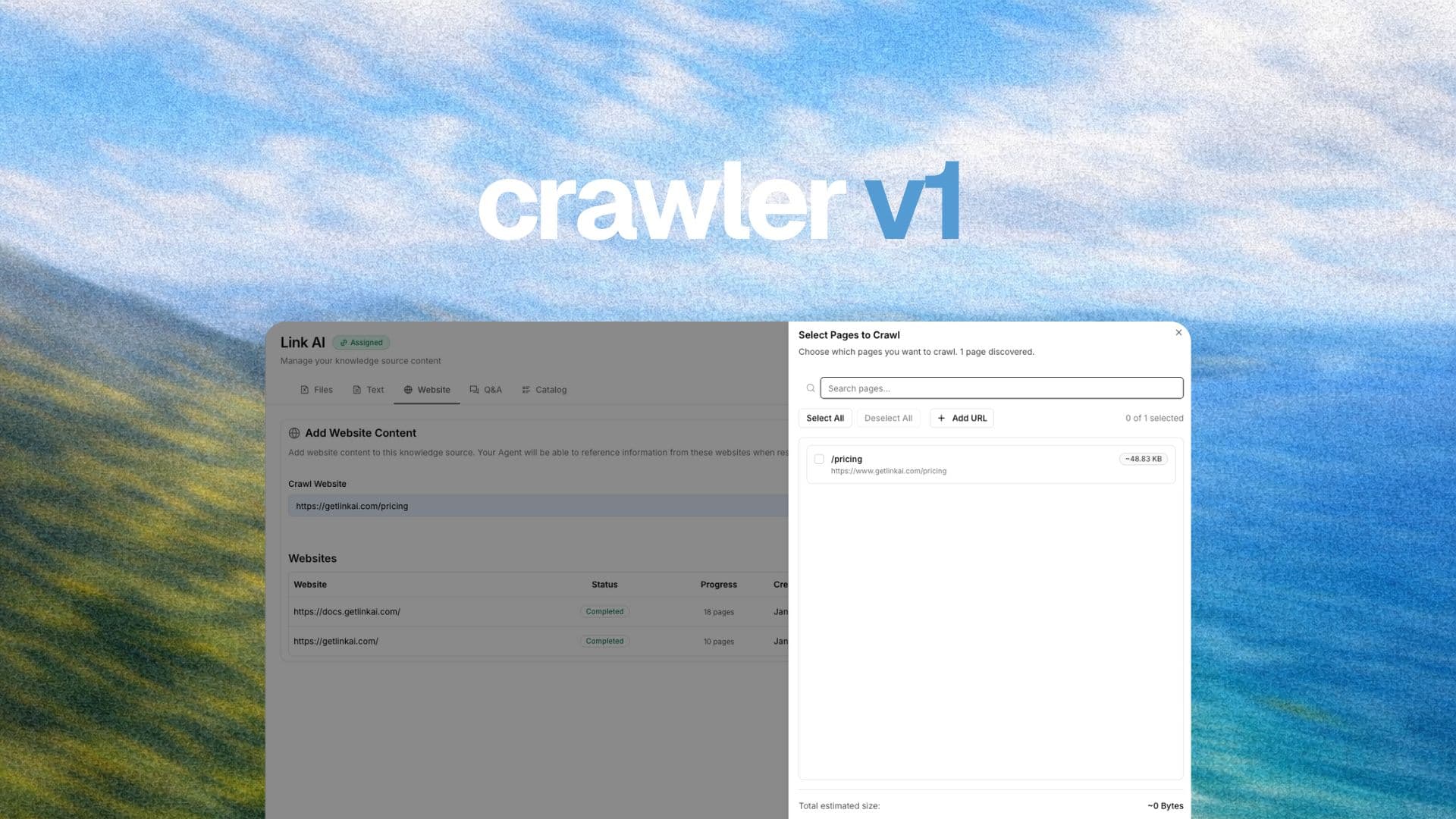
January 17, 2026- We've upgraded our web crawler with a powerful new feature: selective page selection for agent memory. Now you can choose exactly which pages to use for your agent's knowledge base.
- This is perfect for adding entire documentation pages for RAG (Retrieval-Augmented Generation). Simply go to Knowledge Base > Website tab, enter your root URL, or specify a specific URL if you want to crawl a particular page.
- You'll be notified when the crawl has finished, and then you can select which pages to include in your agent's memory. This gives you complete control over what information your agent has access to.
Link AI v1.0 is Live!
January 14, 2026- After 6 months of intensive building since our beta launch and a full year since we started this journey, we're proud to announce Link AI v1.0 is officially live.
- This milestone represents countless hours of development, testing, and refinement to bring you the most powerful Agent platform available.
- We need your help to make Link AI even better! Please visit getlinkai.com/help to:
- Report any bugs you encounter
- Request new features you'd love to see
- Tell us which features you love the most
- Your feedback shapes the future of Link AI. Thank you for being part of this journey! 🚀

Faster Processing, Agent Vision, and True Cold Forwarding
January 7, 2026- 75% faster message processing across all channels, even with complex workflows
- Agent Vision launched - customers can now send images for conversational context
- True Cold Forwarding - simpler, faster call routing with Agent interaction
Want to stay updated with our latest releases?